Hello, fellow squirrels. Today, I will be opening the nutshell about Juice Jacking!
What is Juice Jacking?
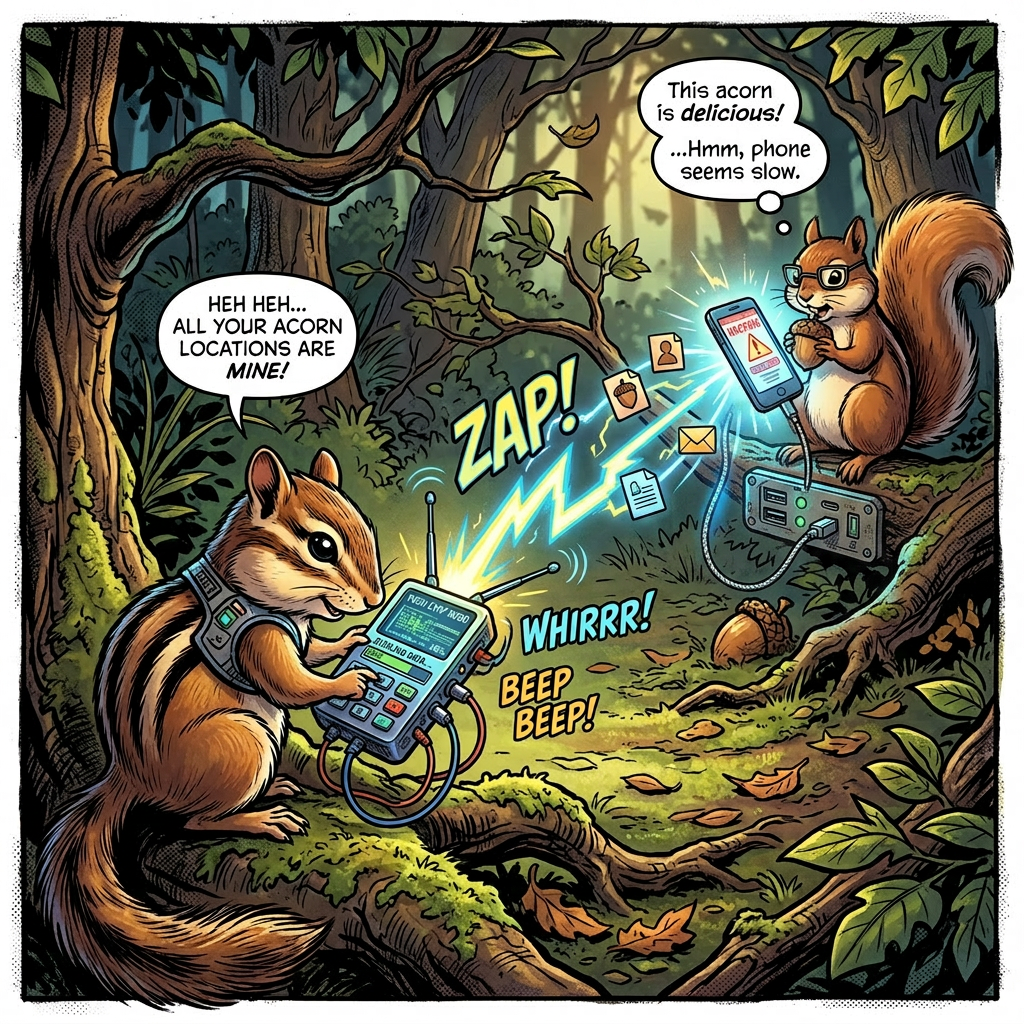
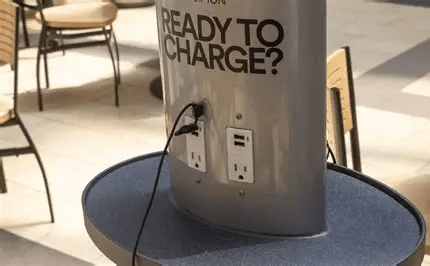
Juice Jacking is when a public USB charging port is modified by scheming chipmunks to steal your data and/or install malware on your device when you plug it in. USB ports carry not just power but also data. This can happen in airports, hotels, malls, convention centers, rental cars, anywhere scammers find a high amount of people.
How do the attacks work?
The attack starts with a tampered charging port or cable. Then, when the unsuspecting squirrel goes to plug their device into the charger with the tampered port, it attempts to establish a data connection. This link allows the attacker to copy all the data on your phone and install malware directly into your device. There is no clear or easy way to see this happen unless your device is set to block data by default.
What to look for!
Even though there is no clear way to see it happening, there are signs that can indicate a possible juice jacking attempt. First, when you plug your device in, the “Trust this device?” prompt comes up or any other kind of popup. Second, when the charging port looks damaged, loose, or wrong. Third, when the provided cables look mismatched or taped. Lastly, if your device heats up unusually while charging.
Unexpected pop-ups
Unexpected pop-ups are sudden, unsolicited messages or alerts that appear on your device when you plug it into a charging port. These pop-ups might ask for permissions, prompt you to download apps or files, or request you to “trust” the connected device. Such behavior is unusual during normal charging and can indicate that the charger or cable is trying to establish a data connection to access or compromise your device. Recognizing these unexpected pop-ups can help you identify a potential juice jacking attempt early and avoid granting access that could lead to data theft or malware installation.
How to stay safe?
- Use a USB data blocker if you want to use public chargers.
- Use your own charging setup, block and cord.
- Use wireless chargers if available.
- Disable USB data transfer on your phone.
- Keep your phone updated.
That’s all for today’s cyber-stuffed nutshell! So, remember in this digital forest, we the squirrels need to stay alert and protect our stash, while chipmunks try to sneak in and swipe it when we are not looking.


Leave a Reply