Hello, fellow squirrels. Today, I will be talking about Quishing in a nutshell.
What Is Quishing?
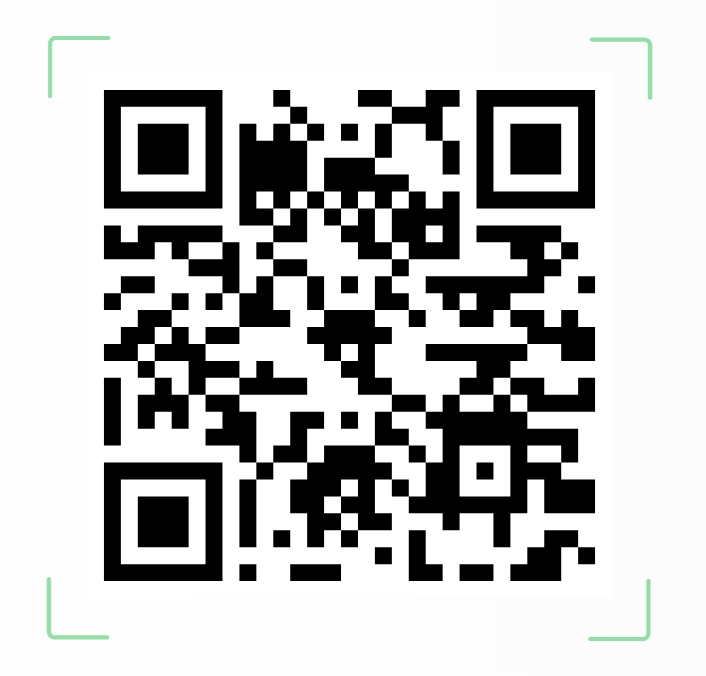
Quishing, or in other words QR phishing, is a social engineering tactic that uses QR codes to gather information from people. These codes can lead people to visit malicious websites, download harmful apps or malware, or disclose sensitive information like credentials or payment data. These QR codes are often found in emails, posters, parking meters, or business materials. They are very effective because users can’t visually verify the link behind a QR code.
Why QR Scams Are Gaining Traction?
Quishing is becoming more prevalent for many reasons. One reason is the pandemic caused a big boom in QR codes being used, and it has carried over to being nearly everywhere you look. Another reason is that attackers had to shift their way of attacking because email filtering and firewalls have gotten a lot better at stopping the traditional phishing attacks they are used to using. QR codes give them a new way that is harder to detect. The last reason is that mobile devices like phones are more vulnerable. Phones are less secure and more likely to contain both personal and corporate data on them.
Alarming Statistics!
| Metric | Insight |
|---|---|
| 26% of malicious links | Delivered via QR codes |
| 83% of users | Used QR codes for financial transactions |
| ~75% of people | Can’t tell the difference between real and fake QR codes |
| 73% of Americans | Scan QR codes without verifying source |
| 26+ million victims | Sent to malicious sites via QR codes |
Real-World Tactics!
Attackers are getting creative with how they get people to scan their codes. They will overlay fake codes on posters, signs, parking meters, and restaurant tables to get people to scan them. They will also use phishing emails that imitate reliable people like Microsoft. In these emails, they will include their QR codes and claim that you need to take action now. The attackers are also using QR codes to distribute remote access trojans (RATs) and breach secure systems.
How do you stay safe?
First, only scan QR codes from trusted sources. Second, check if the code reveals the URL before opening. This should show up as you hover your camera over it. This is true for anything that seems sketchy. Never log in to accounts from unsolicited QR codes. Before scanning, inspect physical QR stickers for signs of tampering or overlays. Lastly, use mobile security apps or browser extensions that preview URLs.
What’s Next?
Currently, researchers are developing SDMQR (Self-Authenticating Dual-Modulated QR) codes with built-in authentication features, but widespread adoption hinges on tech giants like Google and Microsoft integrating them into their platforms.
That’s all for today’s cyber-stuffed nutshell! Remember, staying alert is half the battle… and now you’ve got acorn-sized wisdom packed for future defense. Stay safe, my fellow squirrels!
P.S. Don’t let those phishing nuts crack your defenses!
‘Quishing’ scams on the rise as hackers use QR codes to target consumers
How attackers exploit QR codes and how to mitigate the risk | CSO Online
How to Not Get Hacked by a QR Code | WIRED
QR code scams explode as hackers trick millions with fake links


 Code Squirrel, Cyber Security in a Nutshell
Leave a comment