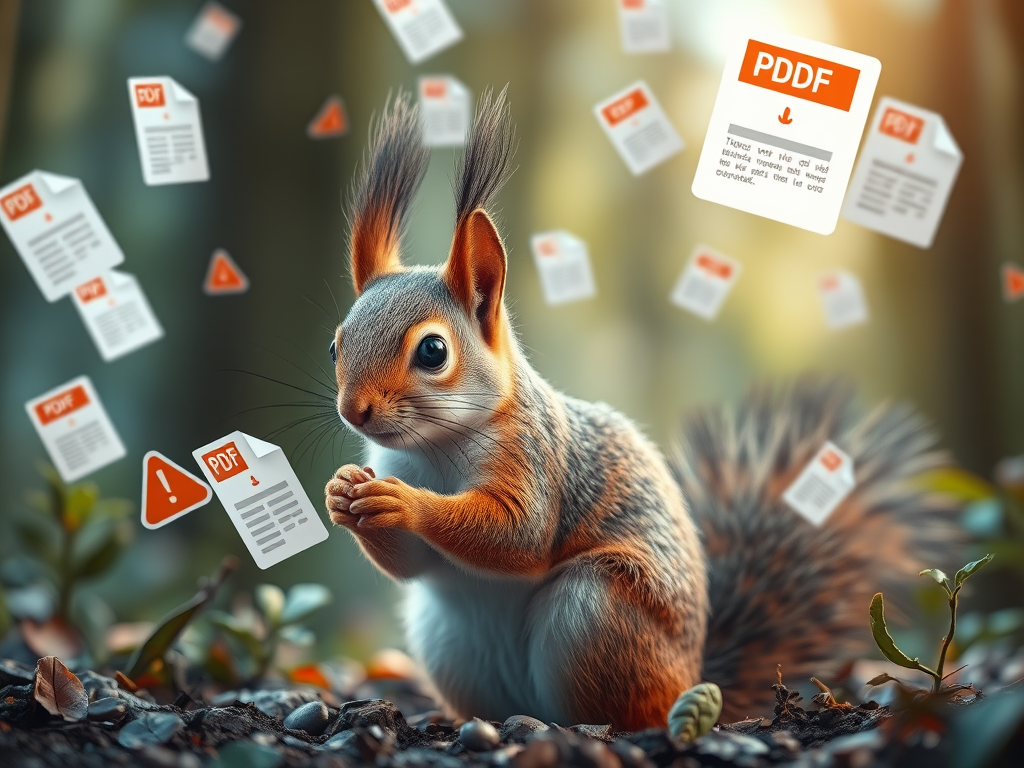
Hello, fellow squirrels. Today, I will be opening the nutshell about PDF Attacks!
What are PDF Attacks?
PDF Attacks are when scamming chipmunks use PDF documents for phishing and to download malware. This is a very common way to attack because PDFs are a very common way to share documents—87% of businesses and organizations use them. 22% of malicious emails people receive contain a PDF document. These numbers come from Cybersecurity News and Check Point (links in sources).
How do PDFs work?
To understand the attacks, we squirrels need to understand what a PDF is. A PDF is not just a document; it contains and works with JavaScript, embedded files, form actions, links, multimedia, hidden objects, and automatic actions. There is more to a PDF, but these are what scammer chipmunks use to deliver malware and to get information from the unassuming squirrel.
How do the attacks work?
There is not just one type of attack; there are different attacks that use different parts of the PDF. There are five attacks that I will cover. The first attack uses JavaScript to exploit vulnerabilities in PDF readers to download malware or to redirect the squirrel to a phishing site, which is a type of fake website. A simpler attack uses the links in the PDF to look real but are malicious links. The third type of attack uses embedded files; when you open a PDF, it will prompt the user to open or extract the embedded files, which then infect your computer with viruses. There is also an attack that happens with older versions of Adobe Reader and other PDF software that have had critical vulnerabilities. These vulnerabilities include remote code execution, privilege escalation, and memory corruption. Attackers craft PDFs that trigger these vulnerabilities when opened. The last attack does not have malware but pressures people into giving the information that they want by mimicking invoices, tax forms, HR documents, etc.
What to look out for?
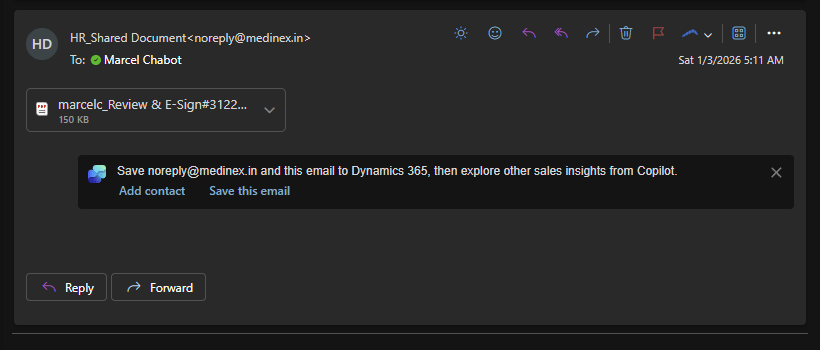
An unexpected PDF from an unknown sender
A PDF that urges you to click a link or “verify” something
A PDF that asks to enable permissions or run scripts
A PDF that contains too many attachments
Poor grammar or generic invoice templates
How to stay safe
- Keep the PDF reader you use updated.
- Disable JavaScript in the PDF reader; you can turn it back on if it is needed for a PDF that you know is safe.
- Filter your emails since these attacks are delivered by emails.
- Don’t panic when seeing an email; life rarely has paperwork that needs to be done in the first five minutes after it has been sent.
That’s all for today’s cyber-stuffed nutshell! So, remember in this digital forest, we the squirrels need to stay alert and protect our stash, while chipmunks try to sneak in and swipe it when we are not looking.
Sources
1Weaponized PDF-based Attacks Accounts 22% Out of 68% Malicious Attacks …. https://cybersecuritynews.com/weaponized-pdf-based-attacks/
2The Weaponization of PDFs : 68% of Cyber attacks begin in your inbox …. https://blog.checkpoint.com/research/the-weaponization-of-pdfs-68-of-cyberattacks-begin-in-your-inbox-with-22-of-these-hiding-in-pdfs/
3The Weaponization of PDFs: How Cybercriminals Are Exploiting a Trusted …. https://techweez.com/2025/04/03/cybersecurity-threat-the-weaponization-of-pdfs/
4PDF Cybersecurity: Vulnerabilities & Protection Strategies. https://www.linkedin.com/pulse/cybersecurity-vulnerabilities-pdf-files-exploitation-defenses-victor-bcbee
5Malicious PDFs | Revealing the Techniques Behind the Attacks. https://www.sentinelone.com/blog/malicious-pdfs-revealing-techniques-behind-attacks/
 Code Squirrel, Cyber Security in a Nutshell
Leave a comment